How to Lower Ping
How to Lower Ping in Online Games: What Actually Works
Online gaming is about low latency, but “ping” is just the name for the round-trip time between your device and the game server. The real issue is packet loss and an unstable path to the server. So rather than chasing remote boosters, boost your local wired connection, measure the path, and treat packet losses as the first suspects.
What Ping Actually Is
Latency, or the time it takes for data to reach and return from the remote server, is the actual issue that affects your ability to play smoothly.
To track ping, you can use an in-game network overlay if one is available. On Windows, you can use `ping -n 20 <server>` and `tracert <server>`.
What Actually Works
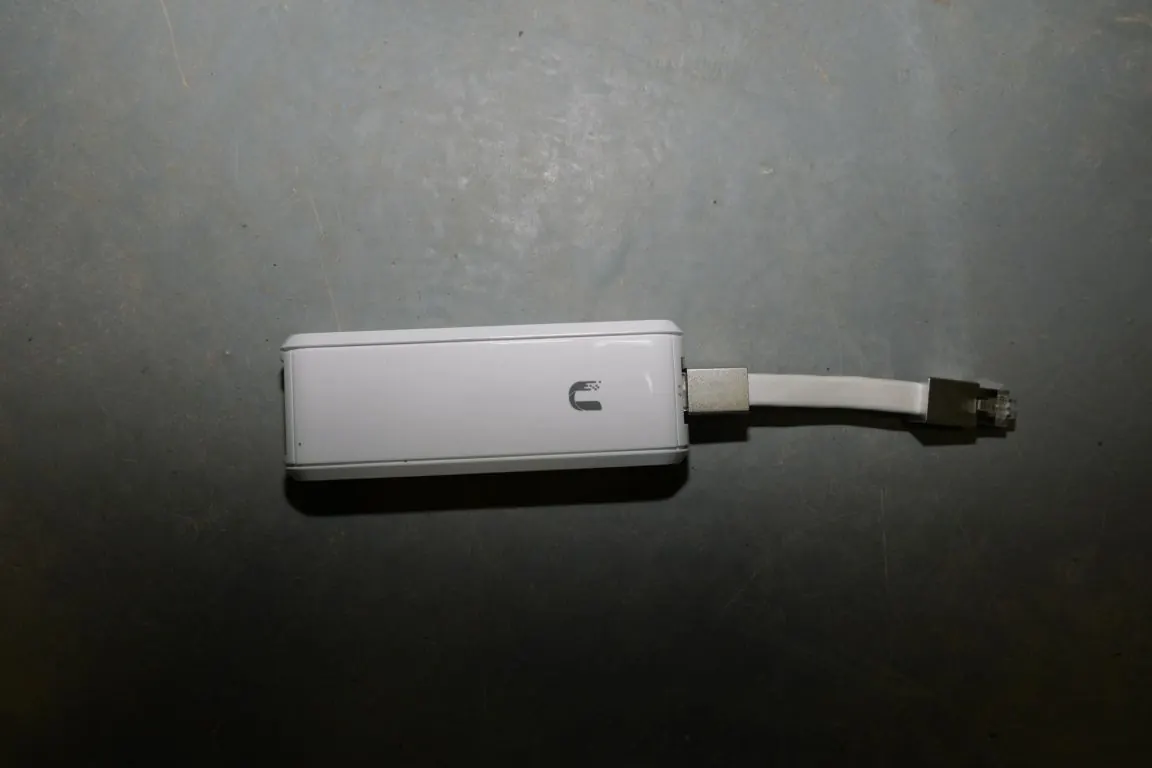
The most reliable way to lower ping is to reduce the local interference and distance between your gaming device and the network hardware. Wi-Fi between your device and the router adds jitter and packet loss, so, where feasible, Ethernet is the right choice for a stable connection.
How to Diagnose the Problem
Searching for the root cause of your lag is just as important as reducing latency and spot packet loss.
Monitor your ping in the main game menu, and check your network path with a ping or traceroute test. Look for a consistent baseline and any sustained packet loss. Then zoom in on each hop from your network to the game server, marking packet loss and latency spikes. If these are coming from a specific network segment, that is where you’ll need to look for contending devices, or consider a stronger signal to that segment.
Practical Takeaway
Wired Ethernet connections, testing the entire network path, and treating latency, packet loss, and Wi-Fi instability as prime suspects are the basic steps that reliably help.